Organize Your Decks with Folders

Introduction
The MythicHub deckbuilder is getting better. As more people start to use MythicHub, I want to introduce more quality-of-life updates. This update contains one of those.
I got to a point where I had multiple decks created, and remembering which one I currently have built, which ones I plan to build, and which ones are the random ideas I will never complete was starting to get on me. I wanted a better way to organize my decks. Introducing folders for personal decks.
Deck folders for personal decks
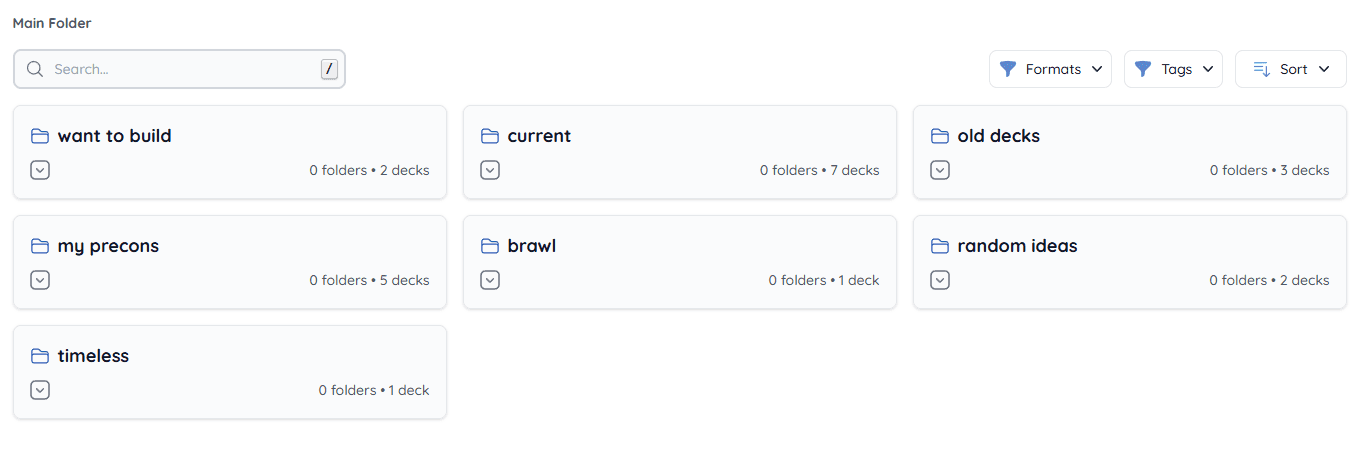
I think folders as a concept do not require much explanation. On the personal decks page you can now create folders and give them names. Folders can be nested up to 5 levels, each level can contain other folders and/or decks. Simple and easy as that.
Folders are per-user. The top level is the "Main Folder", and if you delete a folder the decks inside move up one level. Folder names do not need to be unique at the same level.
Update: New accounts show deck-folder organization on public profiles by default, while existing accounts keep their saved setting. You can change this at any time in Profile Settings. When enabled, folders containing Public decks and their parent folders are public; empty folders and folders containing only Private or Hidden decks remain private. This setting never changes a deck's visibility.
Other small improvements
While working on folders I added a few other smaller improvements.
It's now possible to filter by format and tags. For personal decks it shows a counter of how many decks exist for a given format or tag. For public decks, all formats and tags are available to filter on, regardless of how many exist.
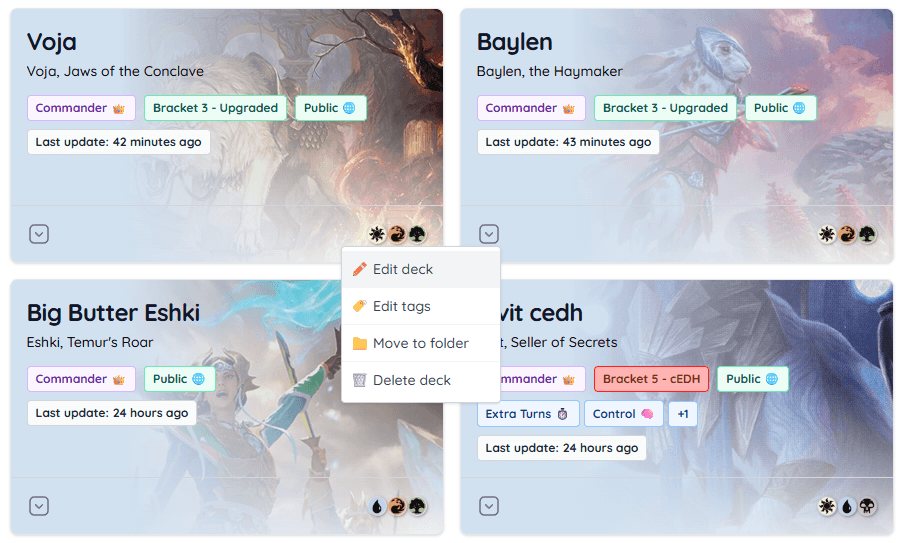
I also redesigned the deck card component a little bit. Added a dropdown for quick actions like editing, moving to folder, or deleting a deck. This was something that I felt was missing from a UX point of view. I did not like that it was necessary to go into the deck itself to edit some basic data.
Commander Brackets
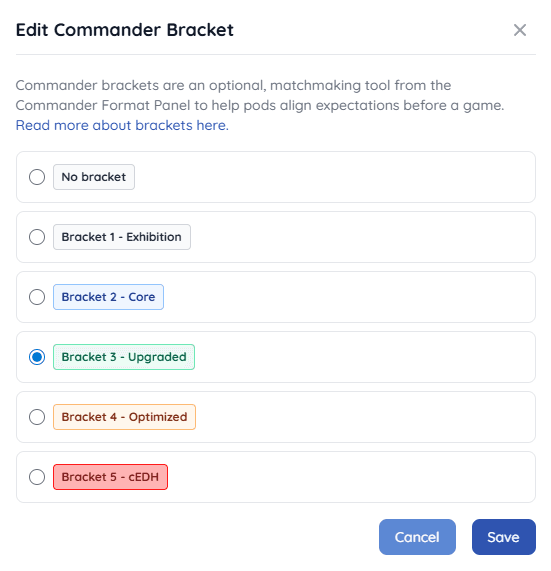
Last but not least, I added support for Commander Brackets. Brackets are displayed on the deck card and can be assigned from the deck editor, next to the deck information at the top of the page. For now, this is purely informational.
Thanks
I am always looking for ways to improve and expand MythicHub. If you have suggestions for additional improvements or features, let me know!
Happy brewing!