A smoother start for new MythicHub users

Update: This post describes the previous checklist. MythicHub now uses a shorter getting-started page focused on importing a collection and decks.
I added a new onboarding flow for new MythicHub accounts.
Account creation was one of the first things I added years ago, and I never really went back to improve it. Until now, new users created an account, landed back on the landing page, and that was mostly it. I added a lot of new features over the months, and I started to think people might feel a bit lost. This is not meant to be a big tutorial or a locked setup checklist. I mostly wanted the first few minutes to feel less empty. When you create an account and land in a tool like this, it can be hard to know what is worth doing first.
Now new users get a small welcome page and can start onboarding from there. The flow walks through a few useful areas: collection, decks, markets, and profile.
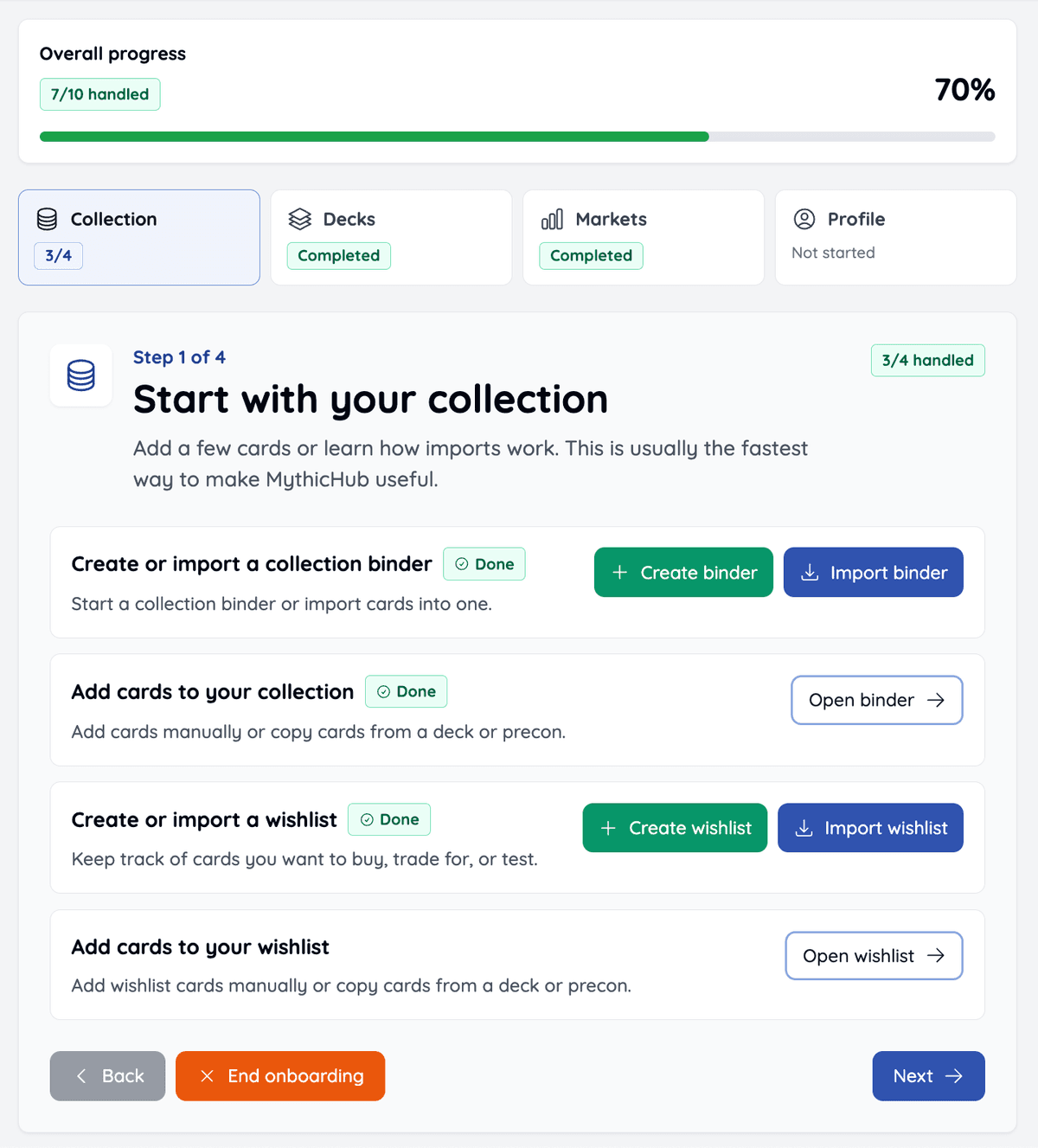
The important part is that the tasks are based on real things you do in MythicHub. There are no "mark as done" buttons. If you add cards, create a deck, or set up an alert, the onboarding progress updates from that automatically.
It is also optional. You can end it whenever you want, and if you already know where you are going, you can just explore on your own. While onboarding is active, there is also a link in the account menu so you can come back to it later.
Existing users
This also affects existing users a little. If you notice a small nudge on your avatar in the top right navigation, that means onboarding is still active for your account. If you have not done all the onboarding steps yet, you can open the same onboarding flow from the account menu.
If you already know MythicHub well and do not need it just open onboarding and click End onboarding. It is just one button, and it will remove the nudge.
I hope this makes the first visit a bit less confusing, especially for people trying MythicHub for the first time.
If something still feels unclear when starting out, please let me know.
Happy brewing!