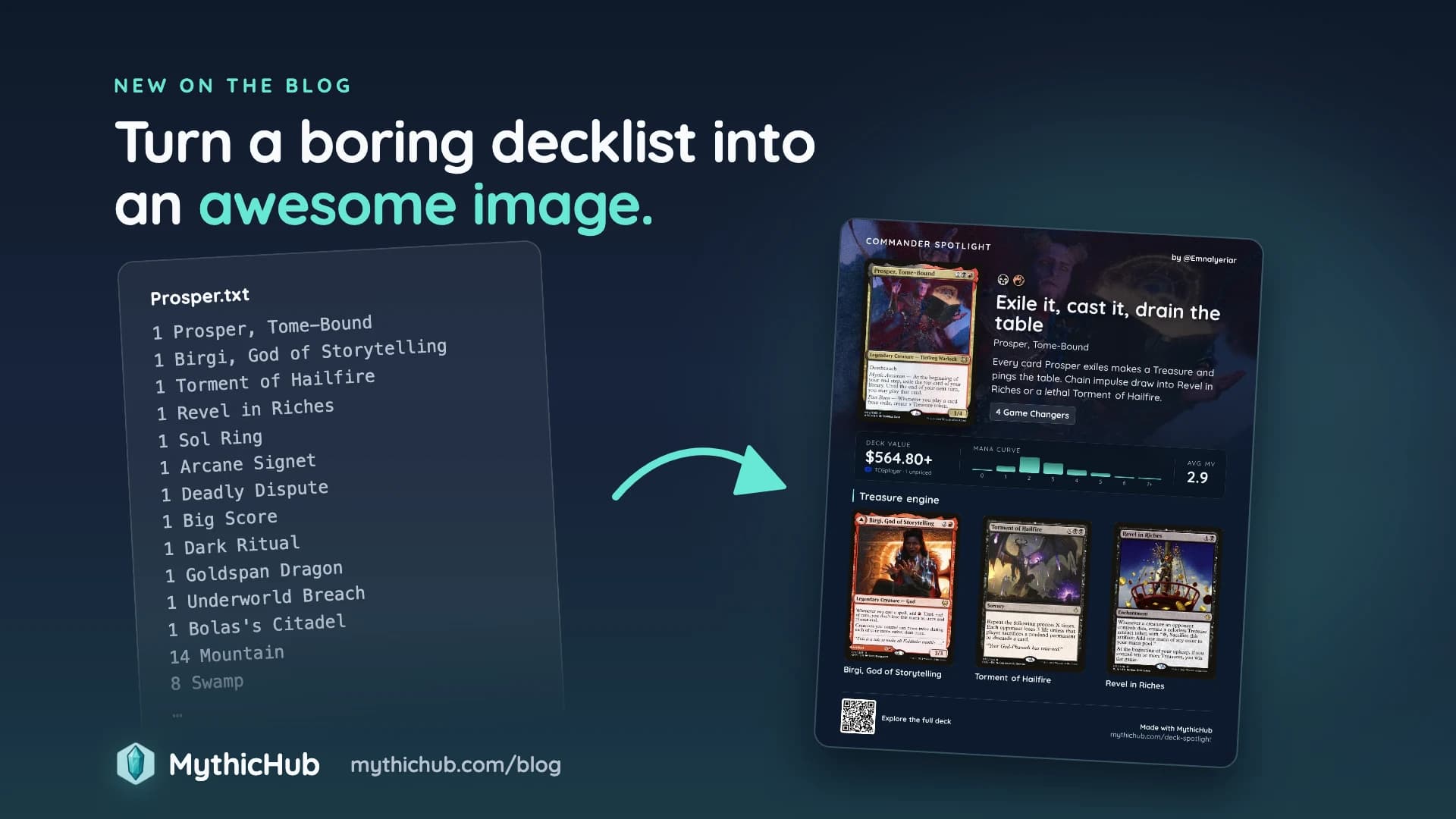
Turn a Boring Decklist Into an Awesome Image

Let's be honest, no one likes to skim through a 100-card Commander decklist just to get a rough idea of what the deck is trying to do. It's like playing Commander: everyone loves it, but shuffling a 99-card deck is a chore! While thinking about how to promote MythicHub a bit (yeah, I finally need to start doing it), I was brainstorming the best way to show a decklist so it's easy to digest and understand. Recently I started posting more on Instagram, and I was looking into creating a reusable template that I could post there and on other social media. I created a tool for myself that turns decks into fun images, and while working on it, it struck me: why not make it available for everyone?
So that's what I did. I've been using it internally for some time, and now it's public for everyone. Introducing Commander Spotlight! You paste your decklist, pick the cards that matter, and get a single image that shows what the deck is about. It's free, and you don't need an account. You can try it here.
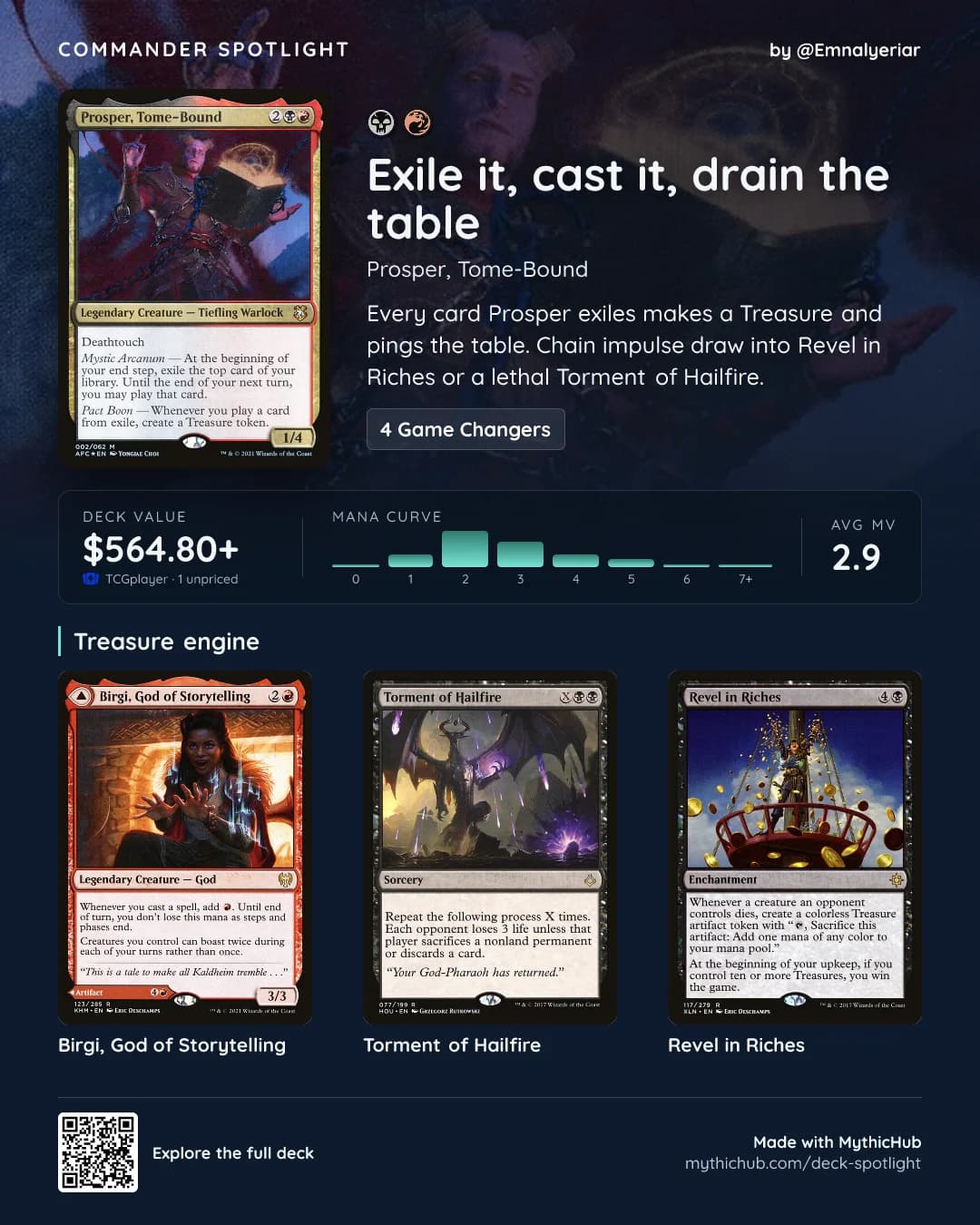
Why not the whole deck?
My first idea was an image of the whole deck, all 100 cards. I tried a couple of different layouts, but I was never happy with the results. At some point I figured that a full deck in one image isn't really needed. What people want to see is the deck's plan and its core cards, and if someone wants to learn more, they can check the deck link.
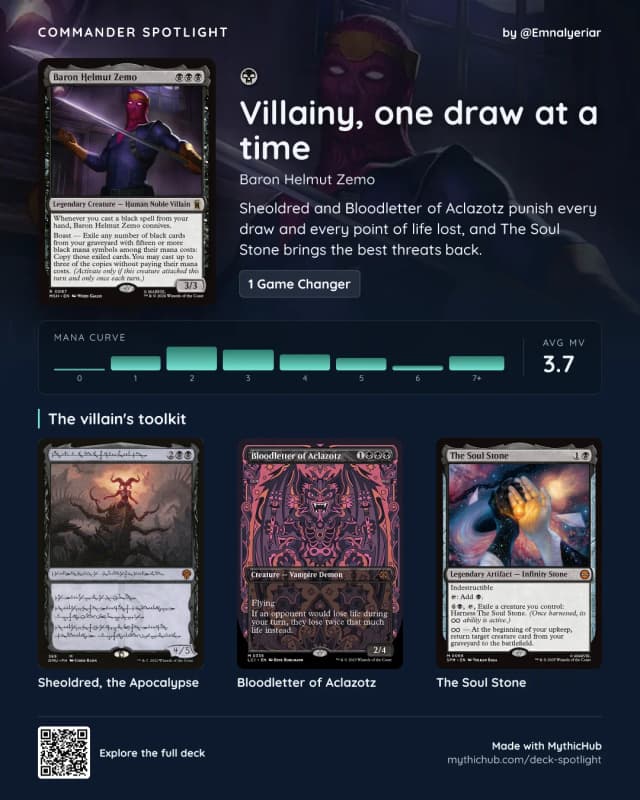
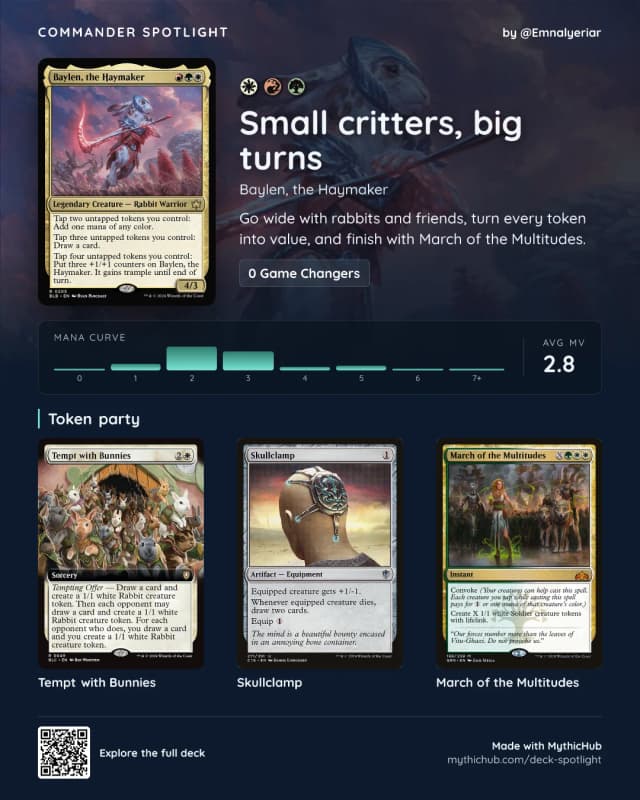
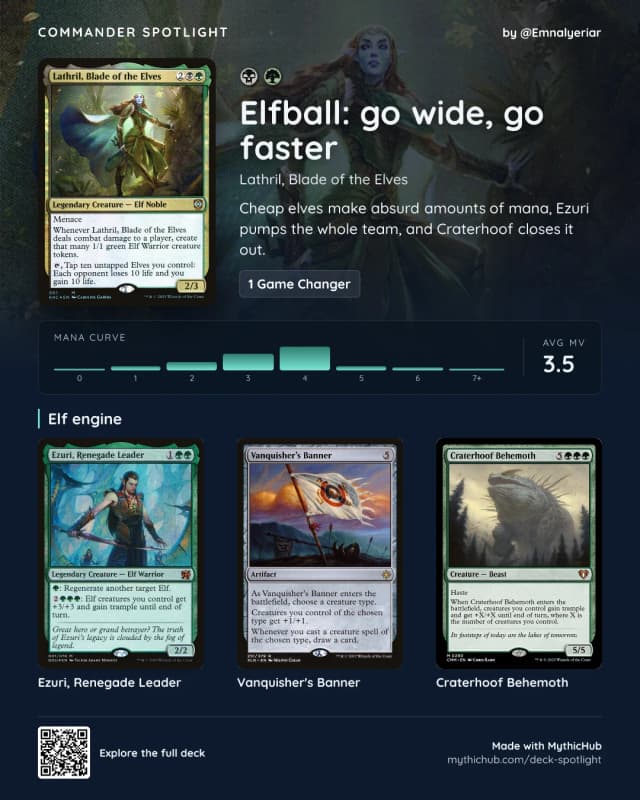
So the image shows the commander as a full card (the most important thing on the image), and a title and short description where you explain the plan in your own words. Below that are up to three cards you pick yourself. Those should be the cards that represent the deck the most. I also tried a layout with 6 cards (2 rows of 3), but the cards became too small and hard to recognize.
The image also has the mana curve with the average mana value, so you can tell at a glance if the deck is fast or slow, plus the Commander bracket and the number of Game Changers. I kept the Game Changers count even when it's zero, because "0 Game Changers" also says something about the power level of the deck. You can also show the deck value for your selected marketplace. If some cards don't have a price, the value ends with a "+", since the real value is at least that much.
If you're signed in and the deck is public or hidden, you can add a QR code that opens the full deck. Private decks never get a link.
Three ways to use it
Bracket talk before a game
Most Commander games start with a quick chat about power level. Brackets help, but it's still easy to misjudge a deck when all you know is the commander.
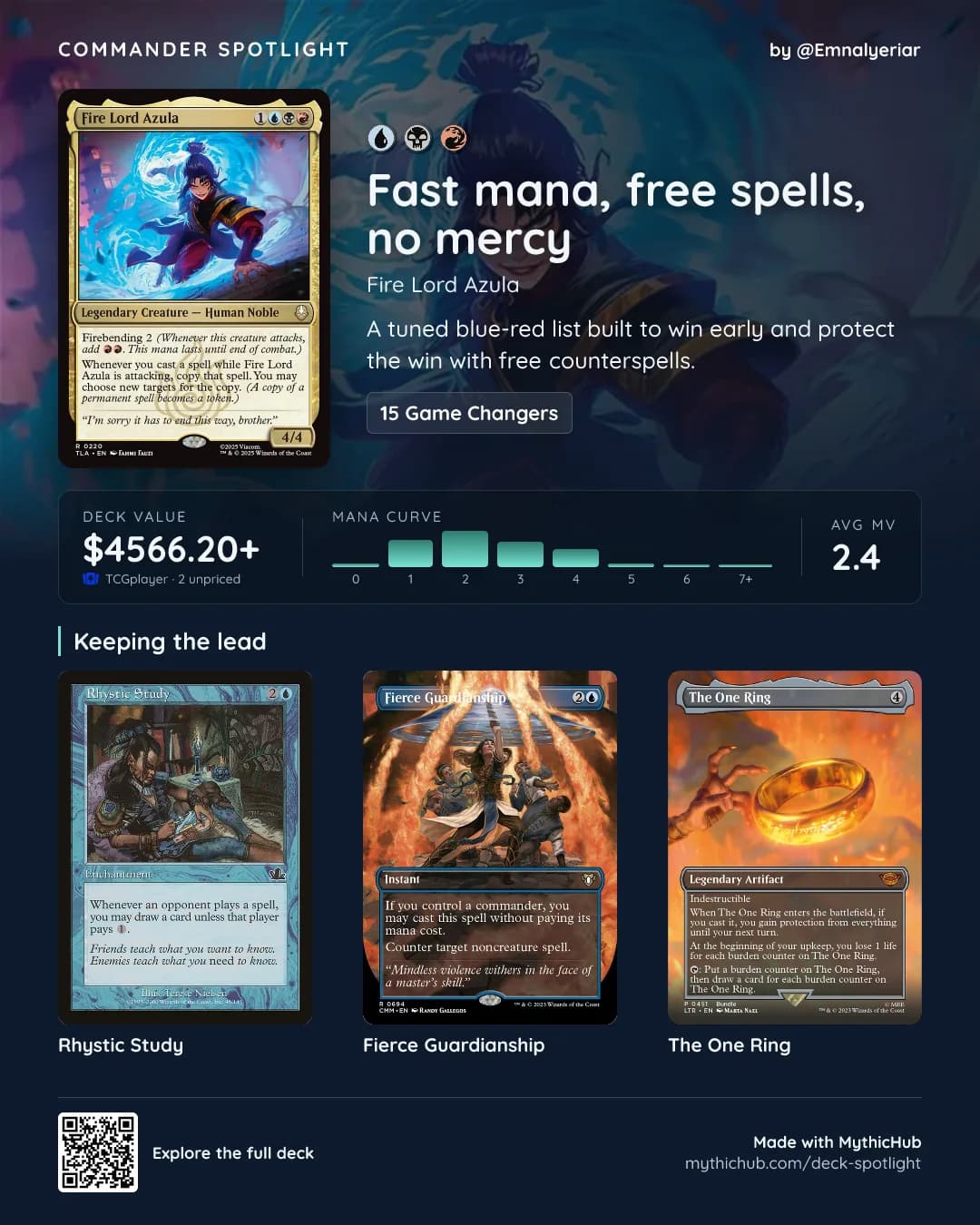
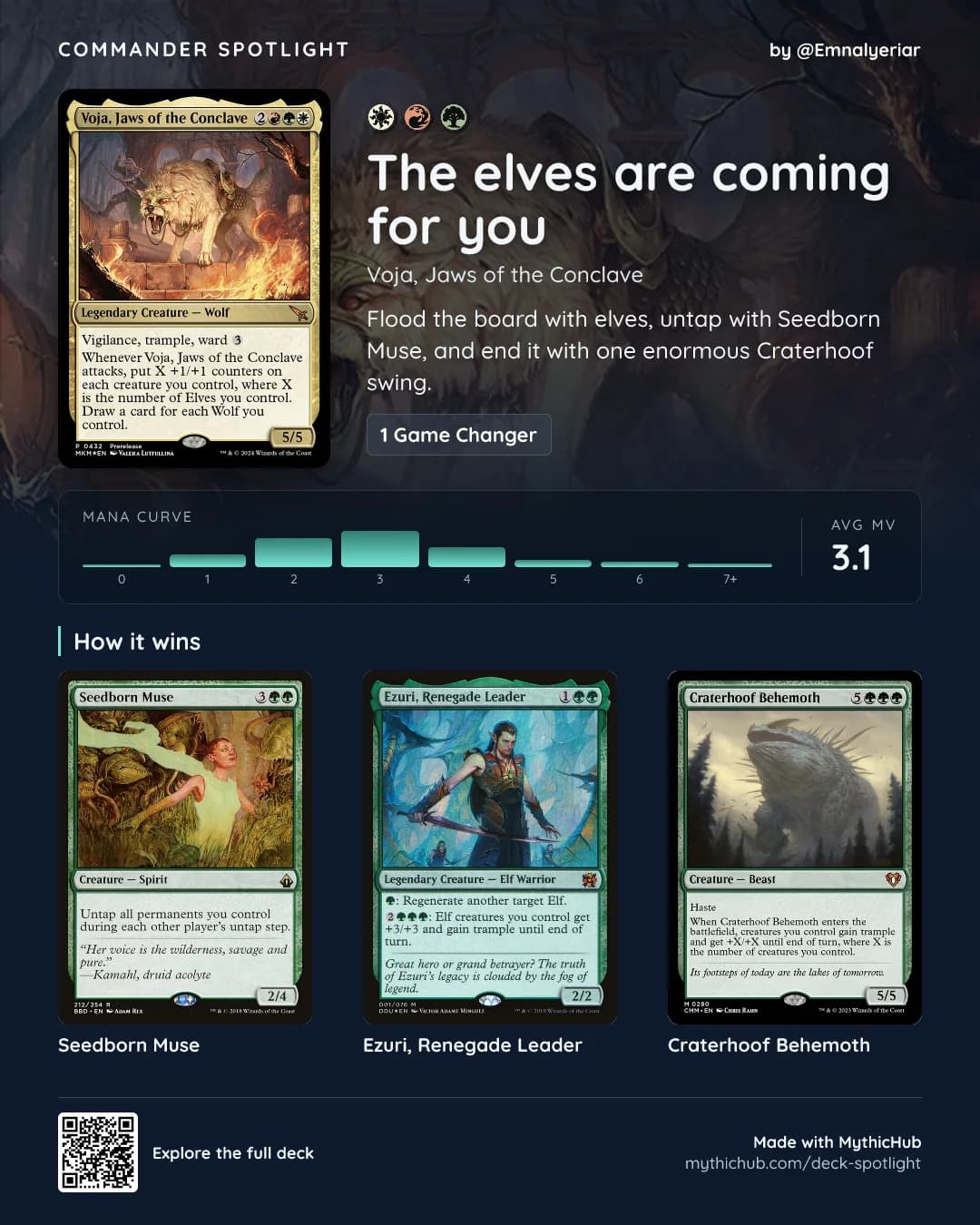
Take these two decks of mine. has 15 Game Changers and is worth over $4,500. has one. Share the spotlight before you sit down, and everyone at the table knows what they're in for.
"Rate my commander" posts
If you've ever asked for feedback on a deck on Reddit or in a Facebook group, you know how easy it is to scroll past a plain list or a link to a decklist. I think an image gets more attention, and it gives people something to react to right away.
Look at my deck at the top of this post. The title says "Exile it, cast it, drain the table", and the highlights are , and . You can tell it's a Treasure deck that wants to win with a big X spell or with Revel without opening the list, so people can jump straight to commenting on the plan and the card choices.
Sharing your decks with friends before a session
Before a Commander night, there's usually some back and forth in the group chat about who's bringing what. Instead of sending deck links that people might not open, you can post a few spotlights and let your friends pick what they want to play against: mono-black villainy with , a rabbit token party with , or elfball with .
How to make one
The whole thing takes about a minute:
- Go to Commander Spotlight and paste your decklist. Text exports from Moxfield, Archidekt, ManaBox, MTG Arena and most other deck builders work. You can also paste a link to a public Moxfield, Archidekt or ManaBox deck.
- If your list doesn't mark the commander, pick it from the deck or search for it. Partner rules apply here too, so you can only add a second commander when the first one allows it, and a Background commander only accepts Backgrounds.
- Write a title and a short description, and pick up to three cards to highlight.
- Choose what to show on the image: the bracket, the Game Changers and the deck value.
- Download the image or copy it straight into your post or chat.
The preview updates as you type, so you always see exactly what you're going to share.
If you sign in, you can also save the deck to your MythicHub library and add the QR code. For decks that are already on MythicHub, you don't need to paste anything. Pick one from the My decks tab, use the Spotlight button when editing a deck, or choose Create spotlight from the deck menu on your decks page.
Try it
Commander Spotlight is live at mythichub.com/deck-spotlight. Make one for your favorite deck and send it to your playgroup. If something doesn't work the way you'd expect, or you have an idea for the image, let me know.
Happy brewing!